


 NewtboxJoin the pilot
BUILT FOR MICROSOFT 365 AP TEAMS ›
The AP inbox that triages itself,
and it’s still just Outlook.
Final notices surfaced the minute they land — before a supplier puts you on stop.
5 PILOT SLOTS FOR AP TEAMS · NO SETUP FEE · LIVE IN A DAY


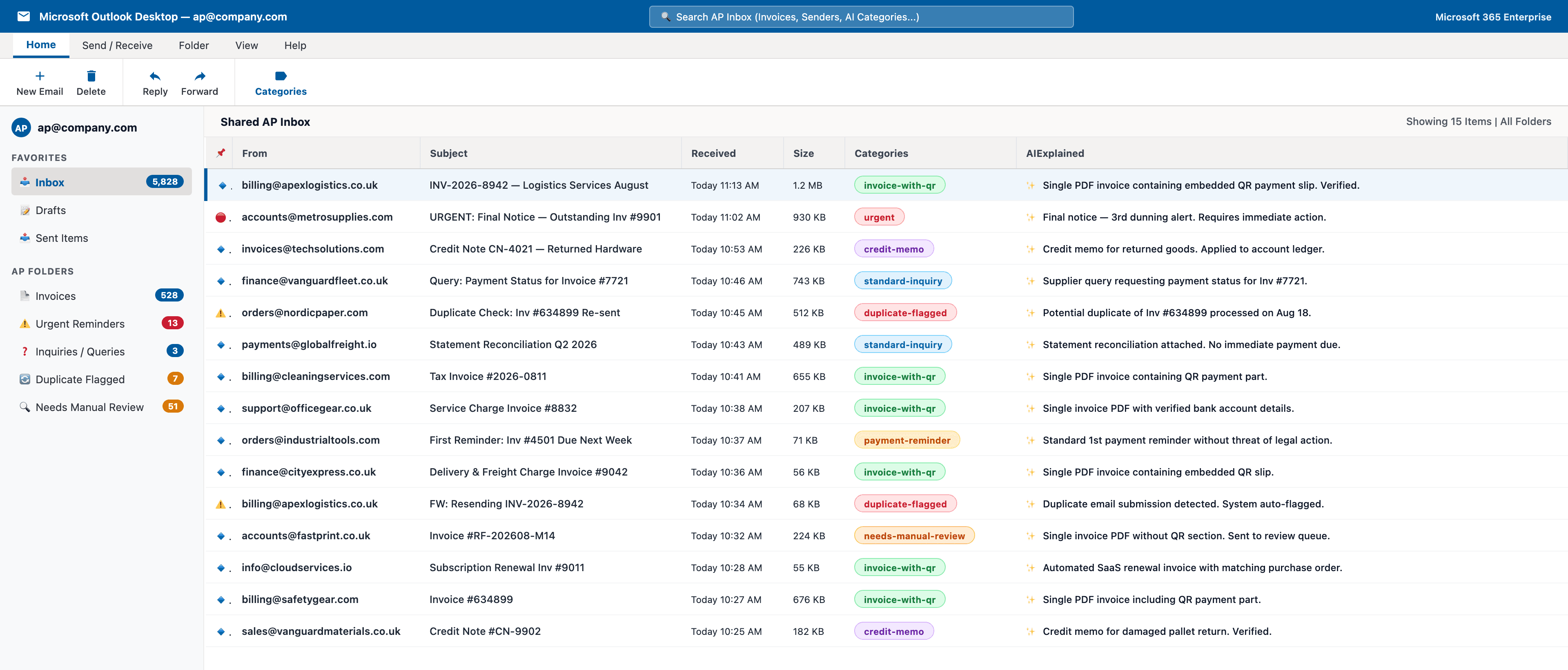
INV-2026-8942 — Logistics Services August
Single PDF invoice containing embedded QR payment slip. Verified.
URGENT: Final Notice — Outstanding Inv #9901
Final notice — 3rd dunning alert. Requires immediate action.
Credit Note CN-4021 — Returned Hardware
Credit memo for returned goods. Applied to account ledger.
Duplicate Check: Inv #634899 Re-sent
Potential duplicate of Inv #634899 processed on Aug 18.
Query: Payment Status for Invoice #7721
Supplier query requesting payment status for Inv #7721.
HOW IT WORKS
A typical week in your company.
Around 600 emails land in a mid-market AP inbox every week. Newtbox reads, files and flags every one — before anyone opens Outlook.
0/ WEEK
0/ WEEK
0/ MONTH
0/ WEEK
0/ WEEK
Every decision, explained in plain English.
Final notice – 3rd dunning alert. Requires immediate action.
Single PDF invoice containing QR payment part.
Supplier query requesting payment status for Inv #7721.
Potential duplicate of Inv #634899 re-sent for review.
WHY NEWTBOX IS DIFFERENT
The simplest tool your IT team
will approve this year.
Keep your Outlook
Your team keeps working in the same shared inbox they use today. Nothing to learn, nothing to migrate.
Skip the integration
No ERP connection, no supplier portal, no new capture address. Newtbox works at the inbox layer, upstream of everything.
Live in a day
IT grants consent via Microsoft Graph, scoped to the AP mailbox only. Classification starts the same day — not in six months.
HOW IT CONNECTS
Three steps to a sorted inbox.
Invoice, reminder, query, escalation — sorted as they arrive.
01Connect
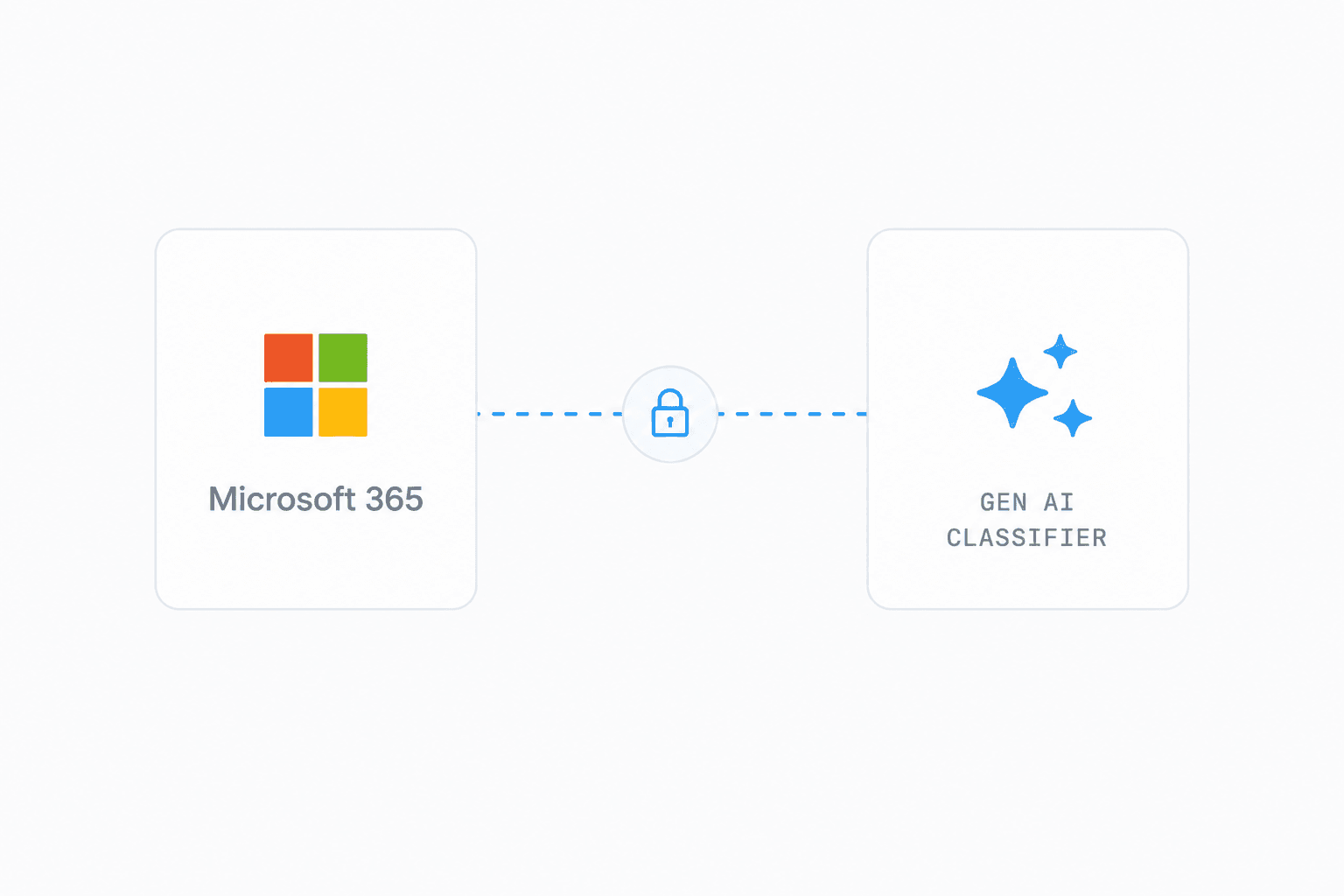
Your IT admin approves Newtbox with a Microsoft consent link, plus a pre-filled script that locks access to the AP mailbox only. No servers, no installs.
02Refine
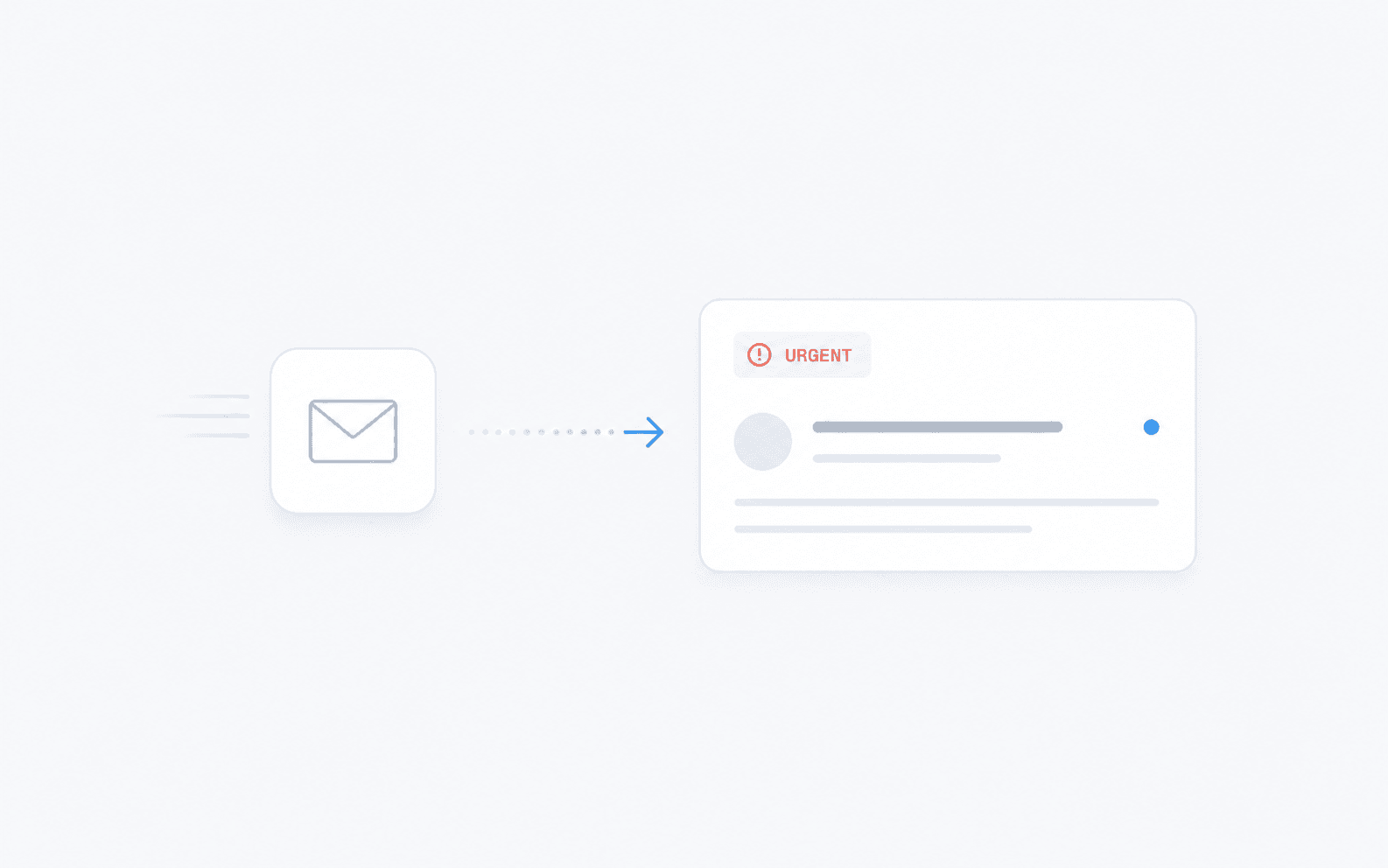
Classification starts straight away — invoice, reminder, query, escalation, duplicate. Tune the categories to match how your team works, without pausing anything.
03Sorted
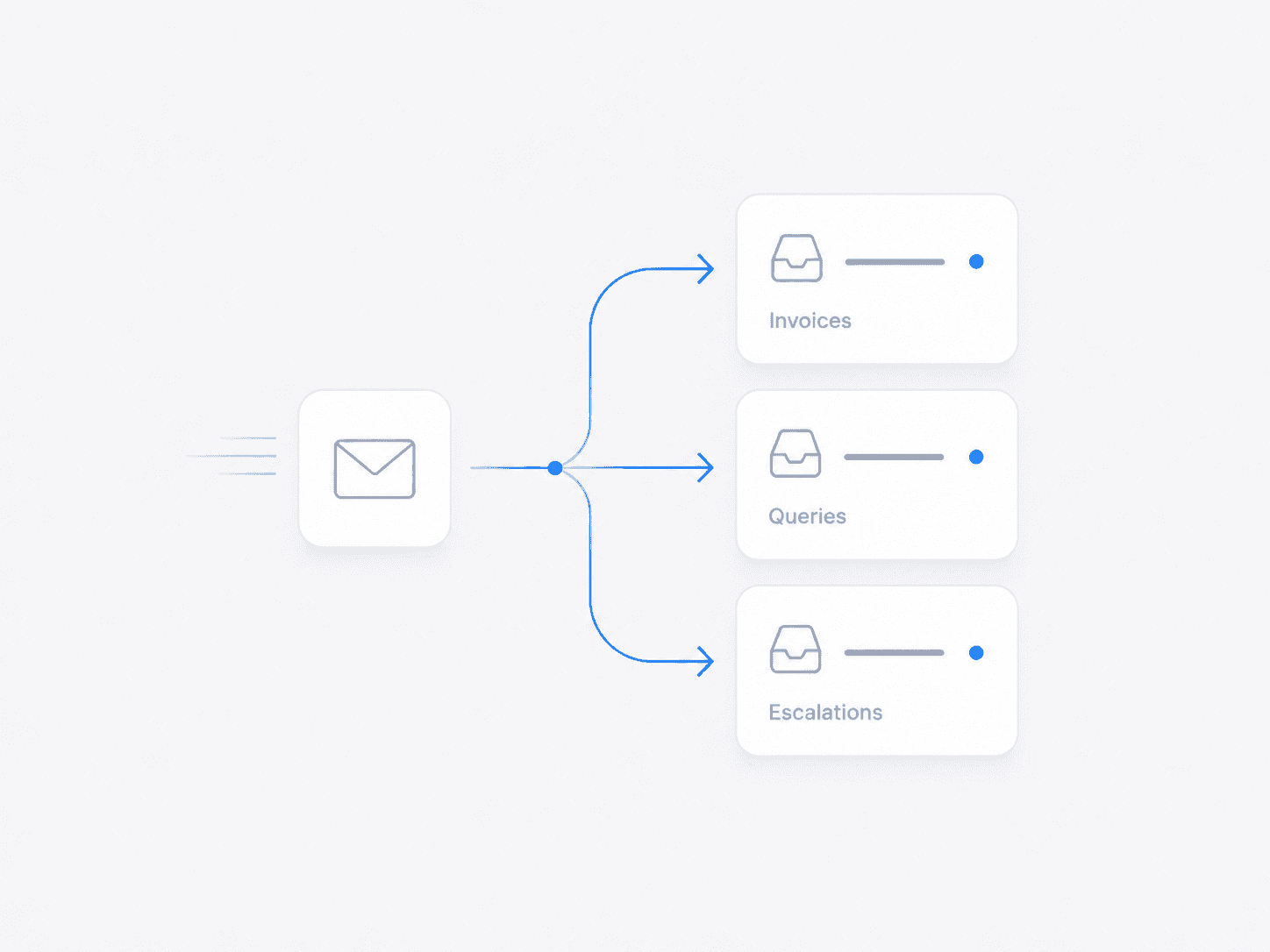
Every email lands in the right folder — or with the right person, if you turn routing on — automatically. Your team opens Outlook and starts where the sorting ends.
PRIVACY & CONTROL
Secure enough to read your invoices.
Newtbox runs in its own Azure environment, keeps data in your region, and stays under your IT team’s control.
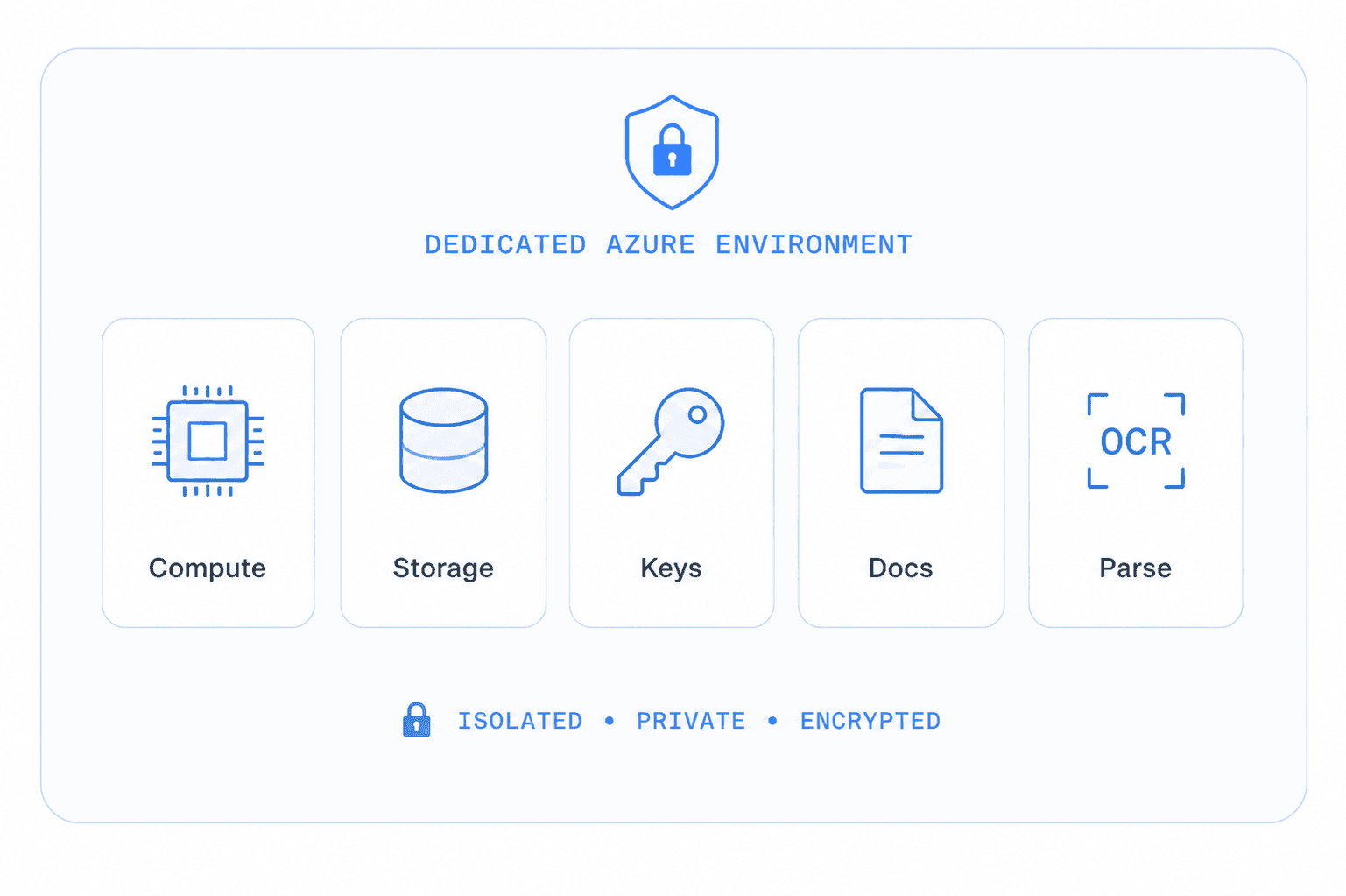
Isolated by design
Every customer gets a dedicated Azure environment — processing, storage and keys in their own resource group. No shared databases, no co-mingled data.
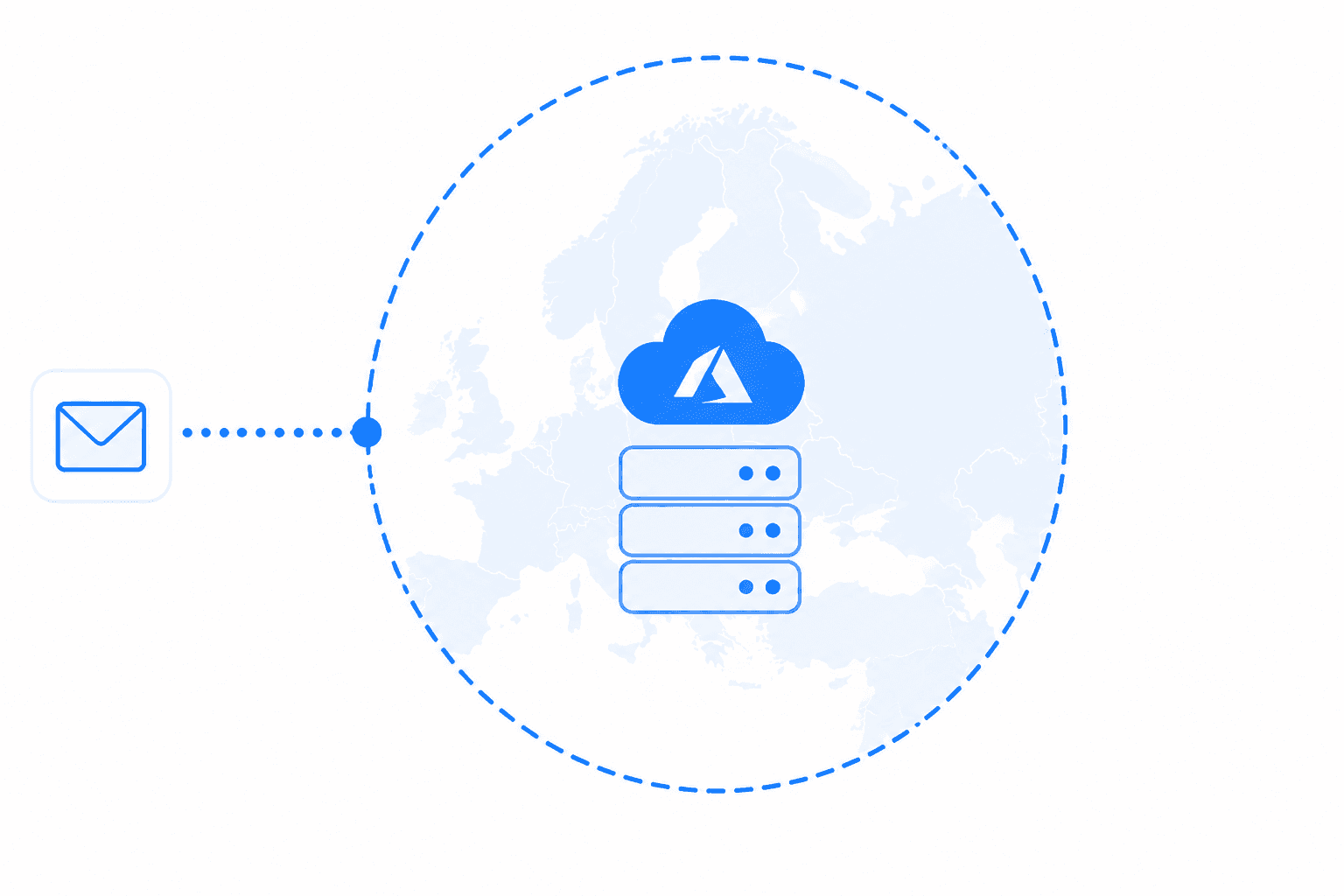
Data never leaves your region
Classification runs on Azure pinned to your region — US for US customers, EU regions for the EU, etc. Prompts are never retained, logged or reviewed.
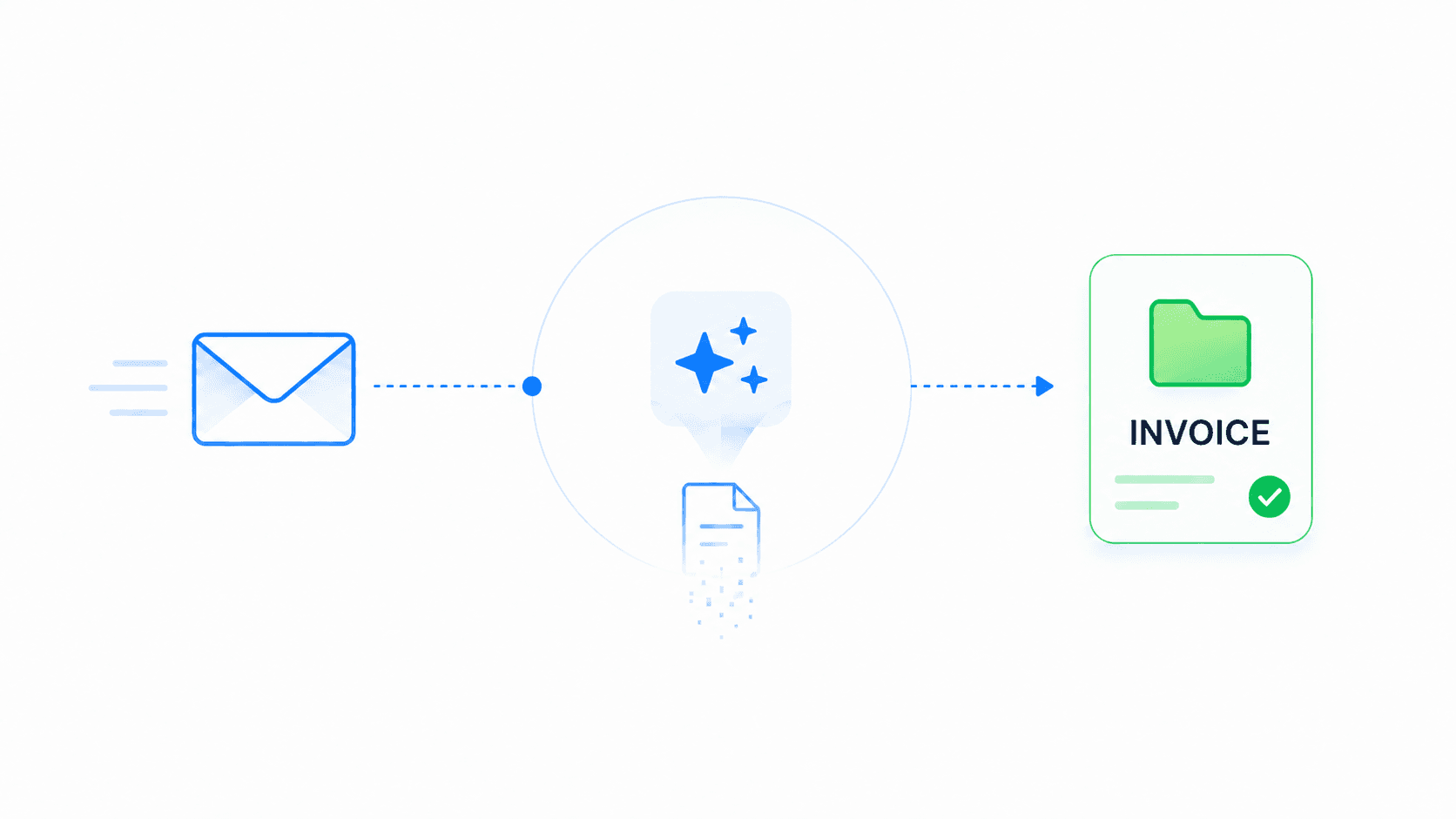
Read, classified, discarded
Email content is classified in transit and discarded. Newtbox keeps routing metadata and an activity log — never the contents of your mail.
SCOPED ACCESS
Scoped to ap@ — and nothing else.
A pre-filled PowerShell script locks Newtbox to the AP mailboxes you name — and IT keeps the kill switch: one click in Entra ID disables Newtbox entirely.
New-ApplicationAccessPolicy
-PolicyScopeGroupId ap@company.com


Nobody knows what’s sitting
in your AP inbox.
Change that today.
NO SETUP FEE